


Choose Your Country or Region

ZWO Seestar
Telescopio inteligente Seestar S30 Pro
Especificación
| Nombre del producto | Seestar S30 Pro |
| Sensor | Tele: Sony IMX585; Ancho: Sony IMX586 |
| Resolución | Tele: 2160 x 3840 (8.3MP); Ancho: 2160 x 3840 (8.3MP) |
| Campo de visión | Tele: 4.6°; Ancho: 63° |
| Apertura | Tele: 30mm; Ancho: 3.4mm |
| Relación focal | Tele: F/5.3; Ancho: F/1.75 |
| Longitud focal | Tele: 160mm; Ancho: 6mm |
| Lente óptico | Lente apocromática de 4 elementos (con cristal ED) |
| AF Gran Angular | Soporte |
| Distancia de Trabajo | Teleobjetivo: 6m-∞; Gran Angular: 0.1m-∞ |
| Filtro Incorporado | Filtro de corte UV/IR |
| Filtro de Contaminación Lumínica Astronómica | |
| (OIII 30 nm / Ha 20 nm de ancho de banda) | |
| Filtro de Campo Oscuro | |
| Filtro Externo | Filtro Solar Magnético |
| Almacenamiento | eMMC de 128 GB |
| Capacidad de la Batería | 6000 mAh, Duración de la batería: 6 horas (datos de prueba del laboratorio ZWO) |
| Entrada de Alimentación | Tipo-C, CC 5V~3A |
| Modo de Transmisión | Wi-Fi / USB Tipo-C / Bluetooth |
| Restablecimiento de Wi-Fi | Soporte |
| Formatos de imagen | JPEG / FITS |
| Formatos de vídeo | MP4 / AVI |
| Especificaciones de Wi-Fi | 5G / 2.4G |
| Alcance Wi-Fi* | Dentro de 10m |
| Alcance Bluetooth* | Dentro de 5m |
| Tipo de montura | Altazimutal (soporta modo ecuatorial) |
| Rosca de montaje | 3/8-16 |
| Temperatura de trabajo | -10℃~40℃ |
| Temperatura de carga | 0℃~40℃ |
| Temperatura de almacenamiento | -10℃~60℃ |
| Humedad de funcionamiento | 20%~80% |
| Humedad de almacenamiento | 20%~50% |
| Peso neto | 1,65 KG |
| Tamaño | 210mm x 140mm x 80mm |
Dibujo dimensional

Descargar aplicación

Manuales

Telescopio inteligente Seestar S30 Pro
En stock - Listo para ser enviado
Todos los pedidos se envían directamente desde nuestro almacén en Alemania. No se aplican aranceles aduaneros y el IVA ya está incluido en el precio mostrado.
Para una experiencia de compra fluida, tómese un momento para revisar nuestra Política de Envío y Entrega antes de realizar su pedido.
El sitio está protegido con cifrado. Nuestra máxima prioridad es su seguridad, y nos aseguramos de que ninguna de su información personal sea compartida.
Los productos de la serie Seestar están disponibles en dos versiones regionales: China continental y Extranjero. La versión de China continental está diseñada para activarse y utilizarse exclusivamente en China continental, Hong Kong y Macao. No se admite la activación en otras regiones, y los productos activados fuera de estas regiones designadas no son elegibles para garantía o servicio postventa.
Pagar con
Su transacción está protegida con medidas de seguridad avanzadas para mantener su información confidencial

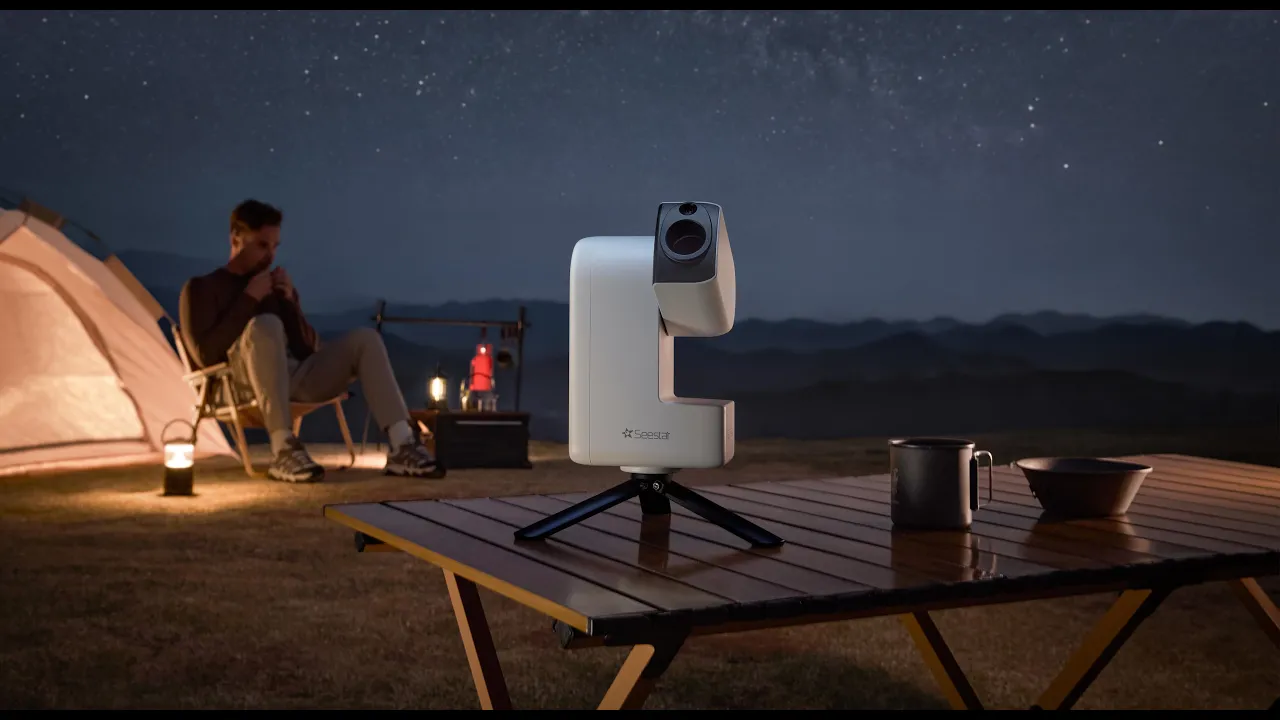

Pro Performance, Infinite Cosmos

Seestar Smart Telescope
A New Era of Astrophotography

1. Lightweight: Weighs only 1.65 kg.
2. Intelligent: Smart app control with GOTO and automatic tracking — enjoy stargazing anytime, anywhere.
3. Easy to Use: A highly integrated, all-in-one system that combines the telescope, auto focuser, camera, Alt-Az mount, filters and controller into a single, compact setup. Just power on and start exploring.
Just 3 Steps to Stunning Cosmic Images


4K Dual-Lens
Wide View, See It All
This dual-lens setup combines a 4K wide-angle camera and a telephoto camera, bringing professional-level imaging performance to smart telescopes. Equipped with a large-size high-sensitivity telephoto sensor and a premium wide-angle sensor, its telephoto unit features a 1/1.2-inch photosensitive surface four times larger than the Seestar S30. As a result, the Seestar S30 Pro achieves superior resolution, less image noise, and purer, more natural picture quality.

Four Imaging Modes
Built for Astrophotography
From distant galaxies and glowing nebulae to the Milky Way in motion — from planets overhead to landscapes below — Seestar S30 Pro captures every perspective in 4K Ultra HD.

One-tap Milky Way & Star Trails
The Milky Way drifts across the frame. Star trails trace their quiet paths through time. In time-lapse, the night reveals its vastness, its rhythm, its wonder.

8K Milky Way Stitching — One-Click Mosaic
The Seestar S30 Pro’s built-in Milky Way stitching automatically creates horizontal or vertical mosaics, expanding the field of view far beyond a single frame while preserving ultra-high-resolution detail.

Freeze the Ground
Two Worlds in Perfect Focus
Lock the landscape, let the sky move. Seestar S30 Pro intelligently separates the foreground from the stars, keeping the Milky Way sharp and free of trails while preserving a crisp, natural landscape — all with a single tap.

Intelligent Constellation Recognition
Read the Stars with One Tap
Seestar S30 Pro instantly identifies and labels constellations in your view, revealing how stars connect into familiar patterns — clearly, naturally, and at a glance.
Looking for your zodiac? With one-tap GOTO, Seestar automatically locks onto your constellation, removing complexity and letting discovery feel effortless—even the first time.

Vast Celestial Targets
Stargazing Simplified
With access to 80,000+ deep-sky objects and 600,000+ stars, simply select a target in the app and the Seestar will automatically locate, track and capture. Get stunning cosmic images in minutes.

One-Tap Post-Processing, Effortless Imaging
With a single tap, Seestar reduces noise while preserving fine celestial detail — delivering clean, natural images with remarkable clarity. Apply DBE (Dynamic Background Extraction) to balance uneven backgrounds.

DSO Mosaic Stitching
Stunning 8K Image
The device shoots continuously following a planned mosaic grid and automatically stitches the images, creating grand, immersive visuals. Each capture breaks through the limitations of a single frame, delivering stunning, expansive astrophotography.

Plan mode
Plan it, sleep on it
Choose your target and schedule in advance. Seestar takes care of the rest—automatically locating, tracking, capturing, and refining the night sky for you. No need to stay up all night — never miss a spectacular celestial event.


Equatorial Mode
Designed to counter Earth’s rotation, Equatorial Mode keeps celestial targets precisely tracked—so stars remain sharp and deep-sky objects stay steady in frame for longer exposures.
Additional accessories are required.

Daytime Observation
See Far with a Single Device
Seestar S30 Pro isn’t just a palm-sized observatory for the night sky—it’s also a powerful ultra-telephoto camera for daytime use. From birdwatching and distant landscapes to rocket launches, it brings far-away subjects close with ease.
With photo, video, and time-lapse modes, Seestar quickly locks onto your subject and keeps it smoothly tracked—turning long-distance scenes into clear, stable captures.
4-Element Apochromatic Lens
Engineered to minimize chromatic aberration, the 4-element apochromatic lens (with an Extra-low Dispersion glass) delivers rounder, sharper stars and clean, neutral blacks.
The result is a night sky rendered with clarity and balance — true to what the eye expects, and the universe deserves.


Triple Filters
Tuned for the Night
A built-in three-filter system adapts seamlessly to different observing conditions—so every scene is captured at its best.
- Dark Field Filter: Automatically suppresses long-exposure noise for cleaner deep-sky images.
- UV/IR Cut Filter: Blocks unwanted infrared light, preserving clarity and true color.
- Light Pollution Filter: Optimized for OIII and Hα, it reduces the effects of moonlight and urban glow—revealing emission nebulae with striking contrast and detail.
Active Anti-Dew Control
Built-in anti-dew control gently regulates the lens temperature to prevent condensation during long sessions, even in cold, humid, or rapidly changing conditions.
The optics stay clear and stable—so your imaging run continues uninterrupted, from first exposure to last.
128 GB Built-In Storage
With 128 GB of onboard storage, you can keep capturing without stopping to manage files or clear space. No interruptions. No lost moments. Just room to explore, capture, and create.

Unlock More Ways to Explore
Remote Control Across Regions
The Sky, Within Reach. Anywhere.
The Telescope Network connects Seestar telescopes around the world into a single, unified network. Simply add your device, and remote control is instantly enabled—across regions and time zones.
Browse celestial catalogs, tap to GoTo and capture targets, and monitor live views and progress in real time.
Even when you’re not on site, you’re still seeing that sky—with your own eyes.

Seestar AI Assistant
Use simple voice commands to enjoy real-time guidance as you explore the night sky.

Open Integration
Built to Expand
Seestar supports the ASCOM Alpaca open protocol, enabling compatibility with a wide range of third-party software, including NINA and more. From automated observing to fully tailored workflows, Seestar is more than a device. It’s an open platform, designed to grow with your ideas and expand what’s possible under the night sky.

Join the AstroImg
Connect, Share, Explore — Worldwide
A place where stargazers gather to explore the cosmos, create, share, and inspire.


What's in the box

Product Specifications
Sensor
Tele: Sony IMX585;
Wide: Sony IMX586
Resolution
Tele: 2160 × 3840 (8.3MP);
Wide: 2160 × 3840 (8.3MP)
Field of View
Tele: 4.6°
Wide: 63°
Aperture
Tele: 30mm
Wide: 3.4mm
Focal Ratio
Tele: F/5.3
Wide: F/1.75
Focal Length
Tele: 160mm
Wide: 6mm
Optical Lens
4-Element Apochromatic Lens (with ED glass)
Working Distance
Tele: 6m–∞
Wide: 0.1m–∞
Built-in Filter
UV/IR-Cut Filter
Duo-Band Filter (OIII 30nm/Hα 20nm)
Dark Filter
External Filter
Magnetic Solar Filter
Image Formats
JPEG / FITS
Video Formats
MP4 / AVI
Mount Type
Alt-azimuth (Supports Equatorial Mode)
Mounting Thread
3/8-16 inch
Slew Rate
1X–1440X
Zero Position
Mechanical
Storage
128GB eMMC
Battery Capacity
6000mAh
Power Input
Type-C, DC 5V~3A
Transmission Mode
Wi-Fi / USB Type-C / Bluetooth
Wi-Fi Reset
Supported
Wi-Fi Range
≤10m
Bluetooth Range
≤5m
Wi-Fi Specifications
5G/2.4G
Working Temperature
-10°C~40°C (Recommended)
Charging Temperature
0℃~40℃
Storage Temperature
-10℃~60℃
Operating Humidity
20%~80%
Storage Humidity
20%~50%
Net Weight
1.65KG
Size
210mm x 140mm x 80mm
Frequently Asked Questions
- Handle with care.
Seestar smart telescope is a precision optical and electronic instrument. Avoid drops, impacts, or strong shocks, which may cause damage. - Image results may vary.
Imaging performance depends on environmental conditions such as light pollution, atmospheric transparency, parameter settings, and stacking duration. Actual results are subject to real-world shooting conditions.
[1] At 1× magnification, both the telephoto and wide-angle cameras capture images at 4K (3840 × 2160) resolution. Resolution decreases at 2× and 4× magnification. The real-time live preview stream for both cameras is 1080P.
[2] Milky Way imaging requires dark-sky conditions. In areas with significant light pollution, Milky Way details may be limited or not visible. Results depend on on-site observing conditions.
[3] NFC functionality requires a compatible smartphone. Support varies by device and model—please refer to your phone’s specifications.
To use NFC, ensure the telescope is powered on, the phone is unlocked, and Wi-Fi, Bluetooth, NFC, and GPS are enabled on your phone.
NFC sensitivity varies by device due to antenna placement. Locating your phone’s NFC sensing area may improve detection.
If the Wi-Fi name is changed, NFC information must be updated manually for NFC to work properly.
[4] Due to system usage and storage allocation, available capacity may vary. System updates may affect storage allocation. Please refer to the actual available capacity on your device.
[5] Battery performance is measured under laboratory conditions. At 25 °C, battery life is approximately 6 hours in Stargazing Mode (with image enhancement and object tracking enabled), and approximately 4 hours in Scenery Mode video recording (MP4 format, no object tracking).
Data provided by ZWO Laboratory for reference only; actual performance may vary.
[6] 60 s long exposures are supported only in Equatorial Mode and are not available in Alt-Azimuth Mode. Accurate polar alignment is required in Equatorial Mode to ensure precise tracking. Inaccurate alignment may reduce imaging performance.
[7] A solar filter must be installed when observing the Sun. Never allow the main camera to observe the Sun directly, as this may cause permanent damage to the device.
[8] Smart noise reduction enhances real astronomical images only. It optimizes noise and star point quality based on actual captured data. Seestar smart telescope captures real astronomical images and does not generate AI-created or synthetic images.
[9] Wi-Fi transmission range is measured under ideal conditions. ZWO Laboratory testing shows a range of up to 20 meters in an open outdoor environment without interference. Actual range depends on real-world conditions.
[10] Sudden changes such as cloud cover, rain, or strong winds may prevent task completion. The device does not automatically power off in these situations. Please confirm weather conditions before scheduling an imaging plan.
Seestar S30 Pro is equipped with a built-in lithium battery with a capacity of 22Wh, which complies with the standards set by the Civil Aviation Administration for air transportation. Based on our experience, it can be carried in your luggage.
However, if you plan to check it in as baggage, some airlines may require the battery to be removed from the device. We recommend checking with the specific airline you are traveling with to ensure compliance with their lithium battery regulations.
One of the key highlights of the S30 Pro is its ability to capture the Milky Way. The Seestar App features a dedicated Milky Way Mode designed specifically for Milky Way photography. With features such as real-time image stacking, AI foreground separation, Milky Way panorama stitching, and star trail capture, the S30 Pro significantly outperforms most smartphones in wide-field astrophotography.
Additionally, the S30 Pro is equipped with a specially designed infrared-cut filter optimized for astrophotography, which preserves the H-alpha (Ha) wavelength—something most smartphones cannot achieve.
AI Foreground Separation:During stacking in Milky Way Mode, the system automatically separates the foreground and the sky, processing them independently to ensure optimal results for both. Since the sky is tracked (and appears stable) while the foreground is not, separating them results in much better image quality.
Milky Way Panorama Stitching:Supports both horizontal and vertical stitching, with output up to 8K resolution.
Absolutely. The S30 Pro performs very well under light-polluted suburban skies. The built-in dual-band nebula filter helps isolate emission nebulae, and the live stacking approach allows you to build up signal over time. While dark skies will always improve results, this telescope is very capable from a typical backyard location.
No. Once the app and firmware are installed, the Seestar S30 Pro does not require an internet connection. You can connect directly to the telescope via its built-in Wi-Fi or use Station Mode through your home network. Internet access is only needed for initial setup, firmware updates, and app downloads.
Compared to both the S30 and S50, the S30 Pro is more versatile and feature-rich, especially for creative astrophotography:• Milky Way Mode (New):A dedicated wide-field shooting mode designed for capturing the Milky Way, featuring AI-powered foreground separation and automatic panorama stitching. • Dual Camera System (New):Combines wide-angle and telephoto capabilities, allowing you to seamlessly capture both deep-sky objects and wide-field landscape astrophotography in one device. • 4K Video Support (Enhanced):Delivers higher-resolution video, ideal for time-lapse and other creative shooting applications.
The Seestar S30 Pro is one of the most competitive smart telescopes in its aperture class. Both its telephoto and wide-angle systems feature high-performance 4K sensors:The telephoto camera uses a 1/1.2″ large-format telephoto sensor, which offers one of the largest light-sensitive areas among telephoto main cameras.The wide-angle camera features an F1.7 large-aperture lens, delivering excellent performance for wide-field astrophotography.The Stargazing Mode has also been specially optimized, offering features such as Milky Way capture, panorama stitching, star trails, time-lapse astrophotography, and constellation recognition—truly enabling an all-in-one imaging experience.
The Seestar S30 Pro offers four modes: Stargazing Mode, Milky Way Mode, Solar System Mode, and Scenery Mode.Milky Way and Star Trail imaging are currently exclusive to the Seestar S30 Pro.
No. The Seestar S30 Pro is a sealed, all-in-one smart telescope, so external filters, reducers, or camera upgrades are not supported. This is expected for this class of device, but it’s worth keeping in mind if you’re coming from a traditional astrophotography setup and enjoy customization.
In standard alt-az mode, the Seestar S30 Pro works best with short exposures and live stacking, which is ideal for quick and simple imaging sessions. When mounted on a tripod and used in EQ mode, it can take exposures up to 60 seconds, significantly reducing field rotation and improving overall image quality. Battery life typically supports 5–6 hours of imaging per session.
The Equatorial (EQ) Mode of the Seestar S30 Pro is one of its key features. This mode compensates for Earth’s rotation, allowing stable celestial tracking, enabling longer exposure times and reducing field rotation, which significantly improves overall image quality.To activate EQ Mode, it requires a compatible Seestar mount (such as the TH10) to perform polar alignment. The entire setup and alignment process are carried out through the mount system.If you plan to do deep-sky astrophotography or are aiming for more professional-level imaging results, the TH10 mount is an essential accessory. We also recommend purchasing the TH10 + TC20 bundle together for a more stable and optimized setup. Without the TH10 mount, the EQ Mode on the S30 Pro cannot be enabled.
Yes, you can observe and capture planets with the Seestar S30 Pro.However, it’s important to set expectations: the S30 Pro is primarily designed for deep-sky and wide-field astrophotography, so planets will appear relatively small compared to what dedicated planetary telescopes can achieve.• You can clearly see bright planets like Jupiter, Saturn, Venus, and Mars• You can capture basic planetary images and even some detail (e.g., Jupiter’s moons or Saturn’s rings under good conditions)• But it is not optimized for high-magnification planetary imaging, so fine surface details will be limited compared to specialized planetary setupsIn short: The S30 Pro is capable of planet viewing and basic imaging, but it is not a dedicated planetary photography system.I would like to know if there is an application for PC Windows, or if there is an application with which the telescope could be connected to a PC.Currently, the Seestar app is specifically designed for mobile devices to ensure easy setup, portability, and direct connection with the telescope. We have noted your interest in the Windows PC version and will pass the feedback to our product team for future consideration and improvements.
Yes. The Seestar S30 Pro allows you to save individual FITS subframes in addition to the internally stacked image. This is a big advantage for users who want to process their data later in software like PixInsight or Photoshop. Just be sure the option to save individual frames is enabled before starting your session.
Loving the S30 Pro so far! Setup was a breeze — had it going in no time. Already took some shots and honestly, the picture quality blew me away. Now I'm just waiting on some clear skies to really put it to the test. Can't wait for a cloudless night!
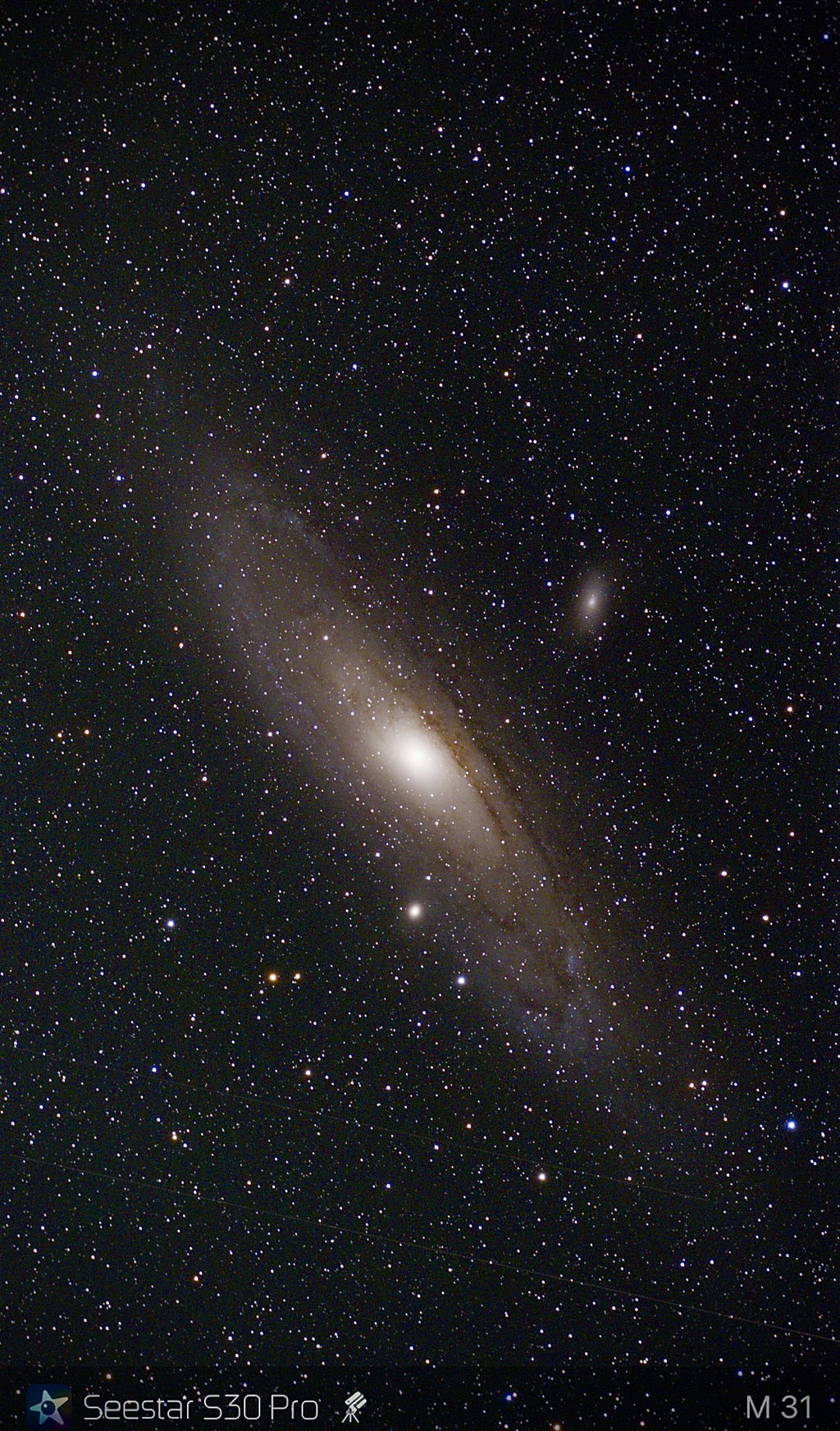
Easy to use with the Seestar app, easy to carry, with great observations of planets and stars.
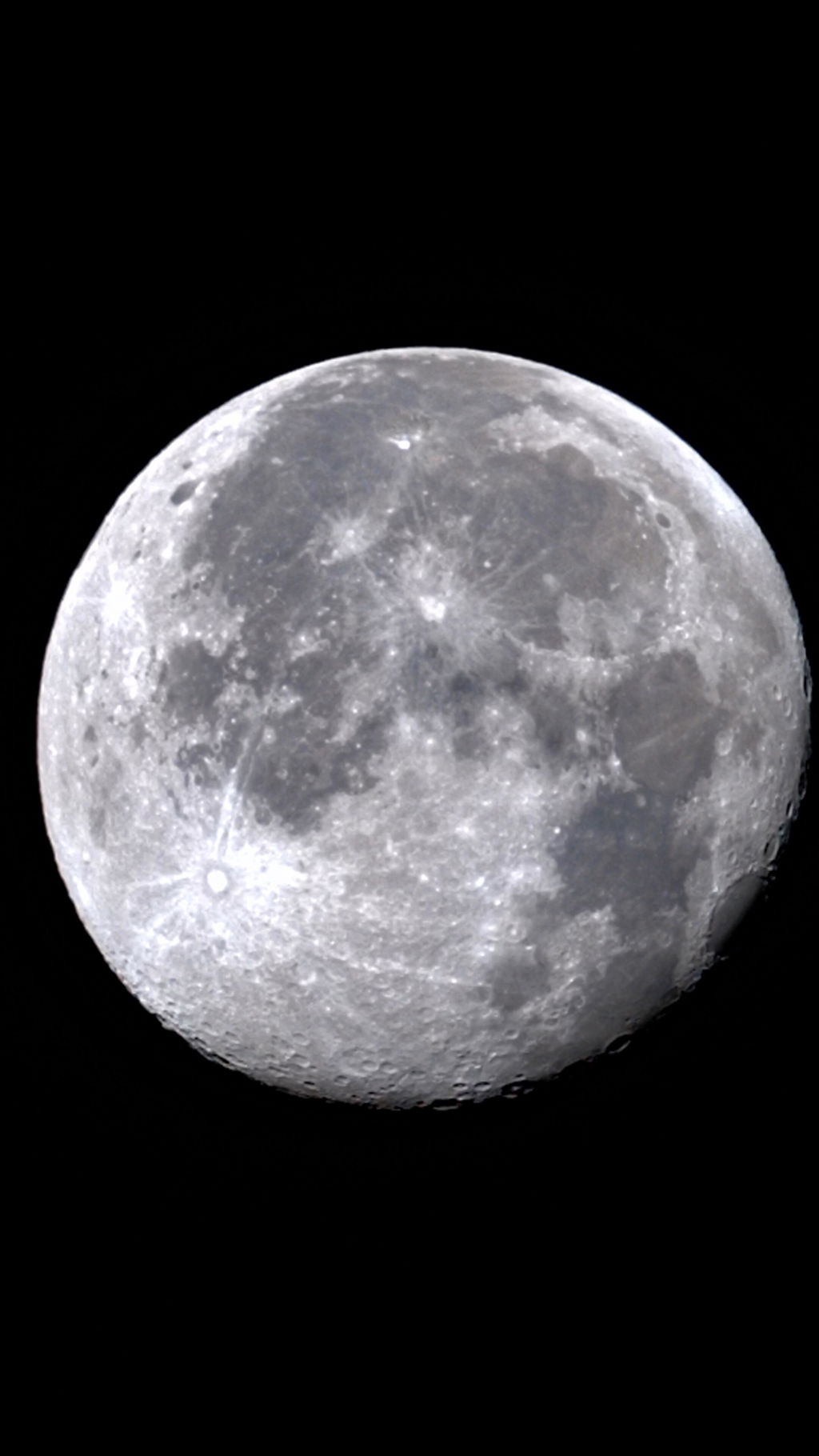
Wonderful telescope, amazing pictures
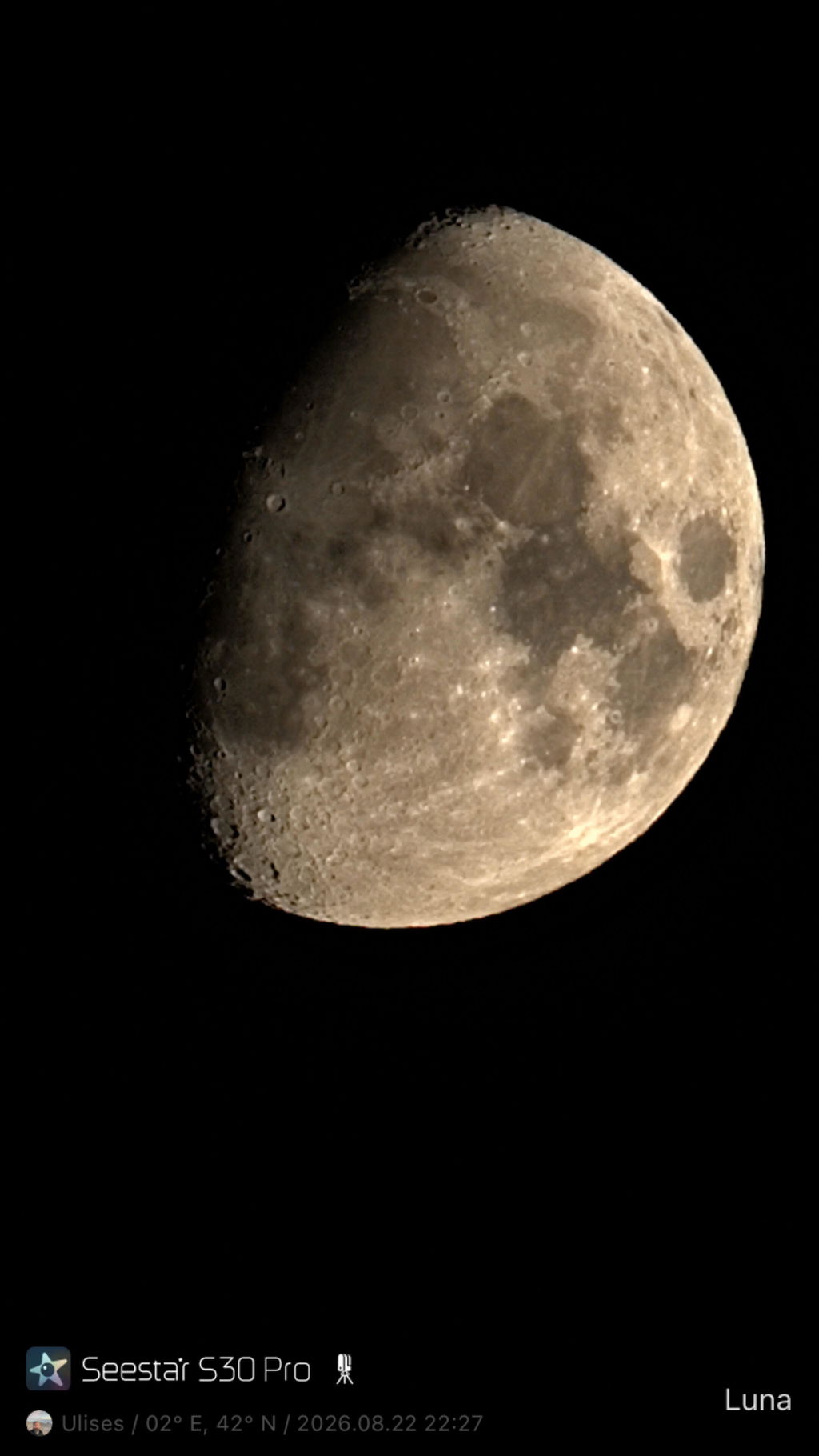

Awesome experience, will keep me busy for lot's of stargazing and capturing learning all the fine details.
I got it the night before the eclipse and still managed to make an absolutely stunning timelapse video with it of the event. Seems to be really clear with the optics. Getting nice round stars all around. Here's the link to the eclipse timelapse: https://www.reddit.com/r/Belgium2/comments/1vmng3z/eclipse_timelapse_met_tracking_telescoop/
Great smart telescope.
I wish Seestar makes in future new model something like imaginary S70 Pro Plus, 70 for 70 mm lens, pro for pro features, plus for option to support adding extra lens for 2x, 10x, ... zoom. So planets and any object could be magnified. Extra lenses would be additional purchase. That would be great.
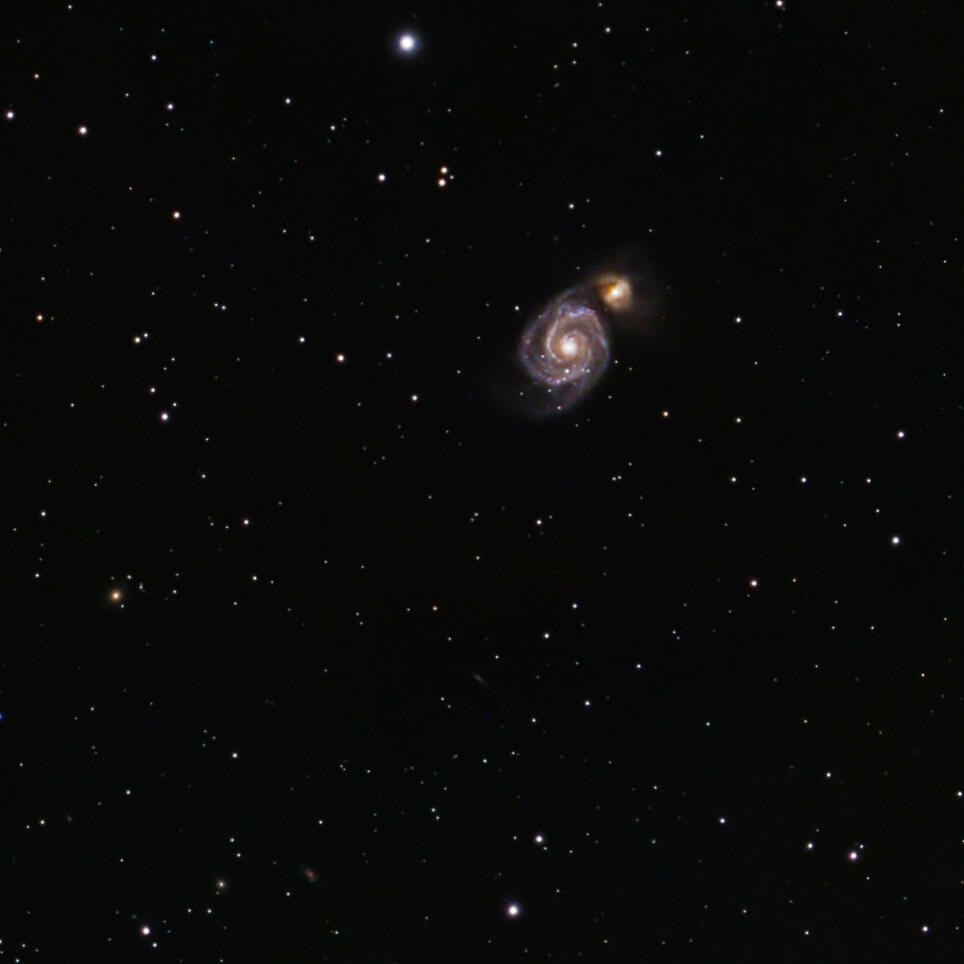
Great fun with default settings first nights taking stunning nebulas’ photos … now taking planned projects with EQ mount. Highly recommended!
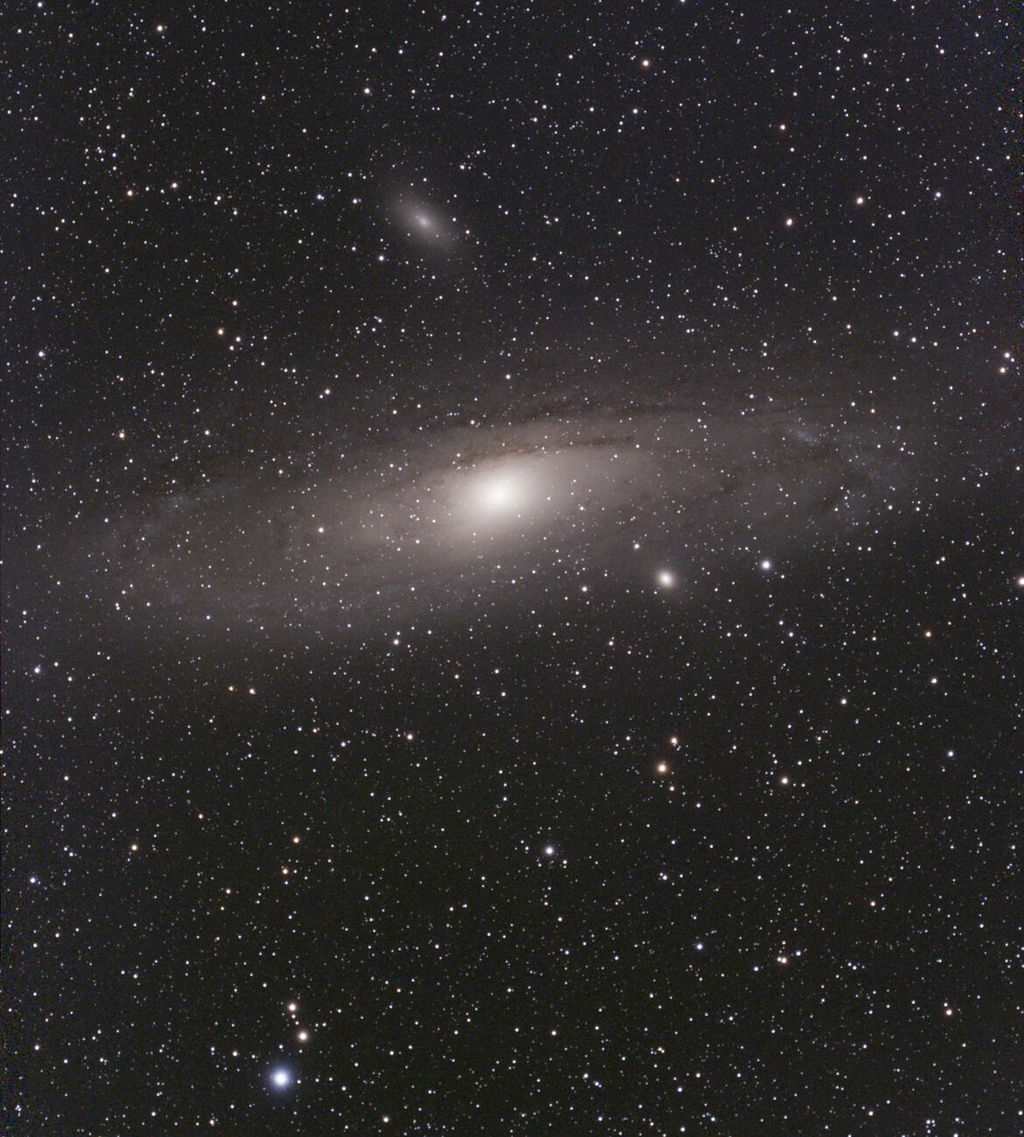
I am a seasoned astrophotographer with about a half dozen rigs and wanted to try the 585 sensor and have something that was ultra portable for trips. I’ve tried the S30 a couple of nights in EQ mode and have been pleasantly surprised. The image on the app is nice but when I remove the raw files and process them in Pixinsight, the images are quite good. I look forward to taking it on a trip to dark skies and try some Milky Way wide angle shots. I also think this would be great for outreach and a great way to interest kids in astronomy too.

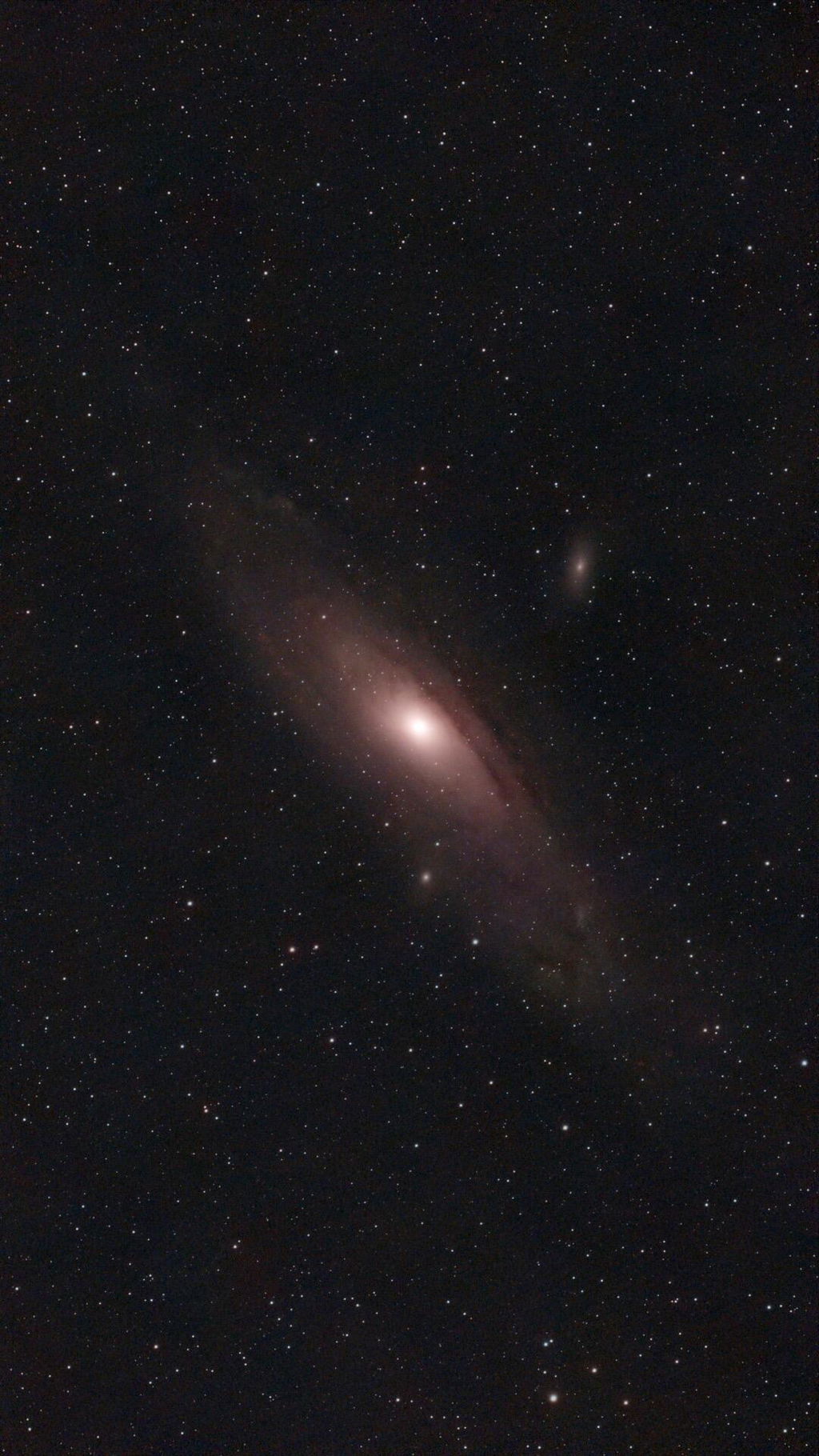
I have had my Seestar s30 pro for almost a month now and I have fully enjoyed the experience. It is so easy to setup and so user friendly that it is the perfect smart telescope for someone to start out with when getting into astrophotography. Also, the images are wonderful too, by the way. Highly recommended.
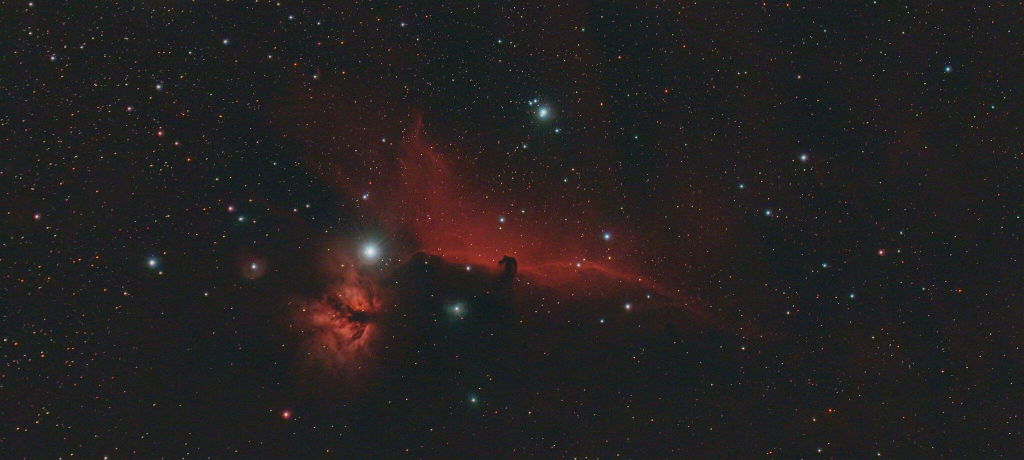
Since receiving the S30Pro, I've only had two nights of partial clear weather. But it still seems to be performing excellently.
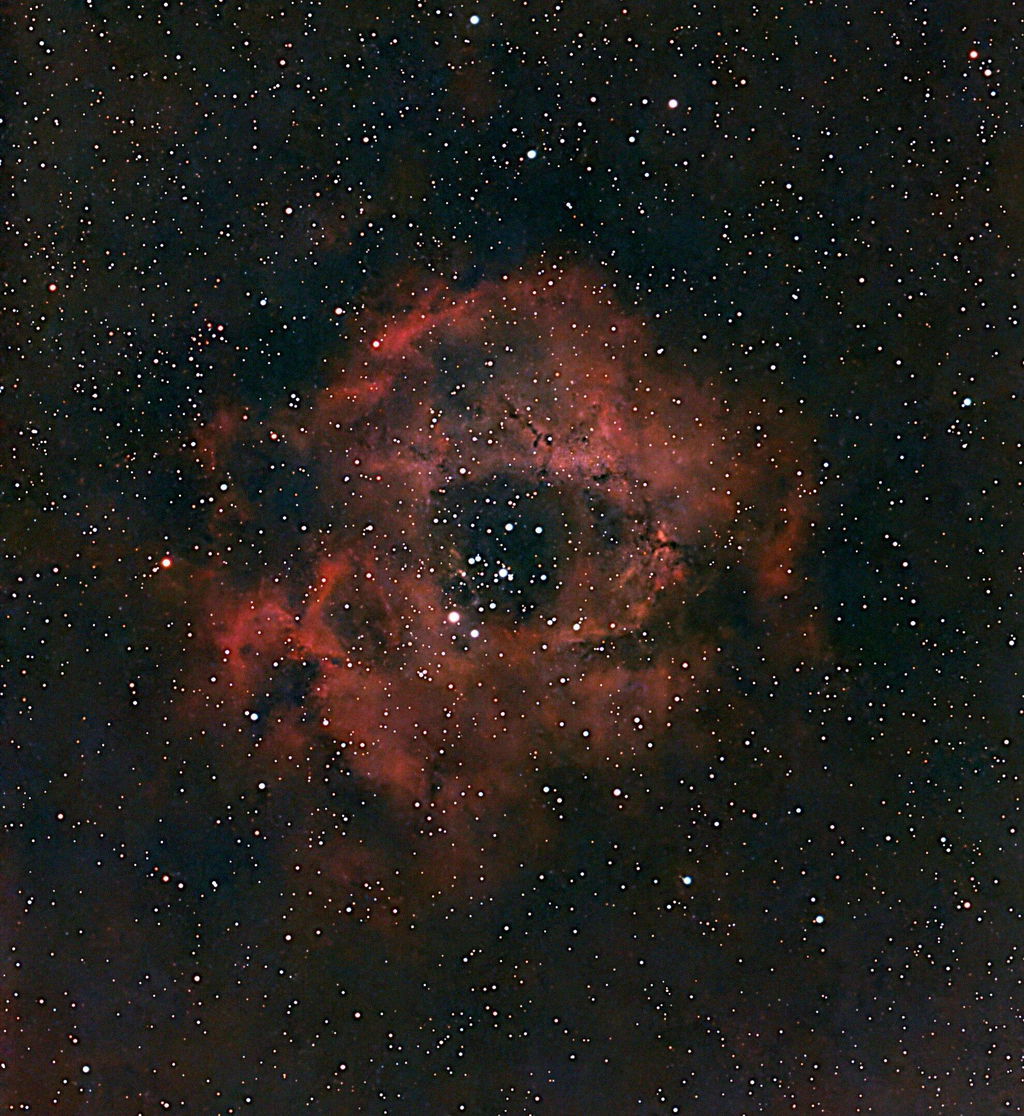
A whole new world of possibilities is coming to me with my own timemache the Seestar S30 Pro. To look at all these possibilities in the sky is like looking in a direction that I have never imagined before. Thanks for opening this world to me.
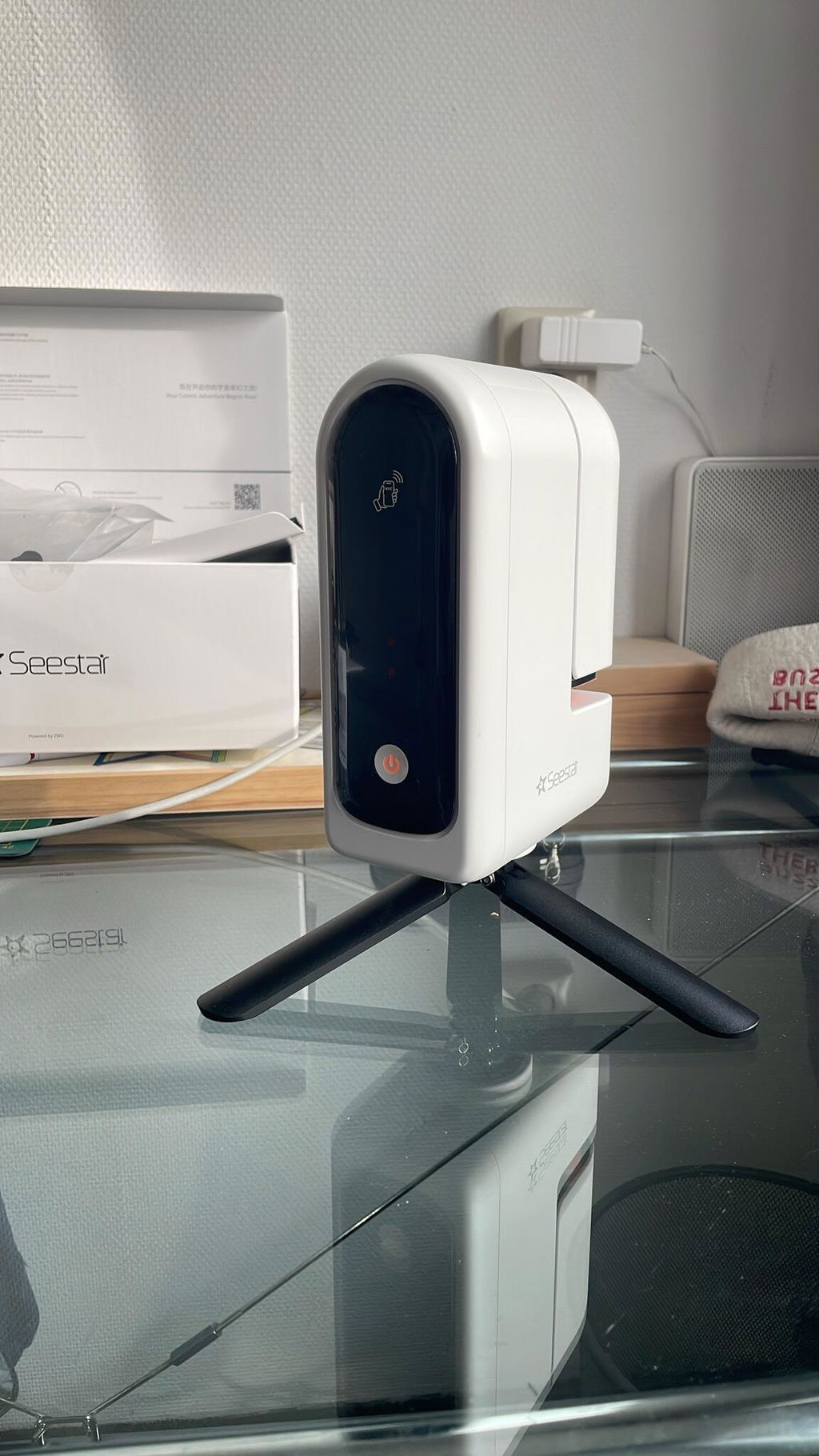
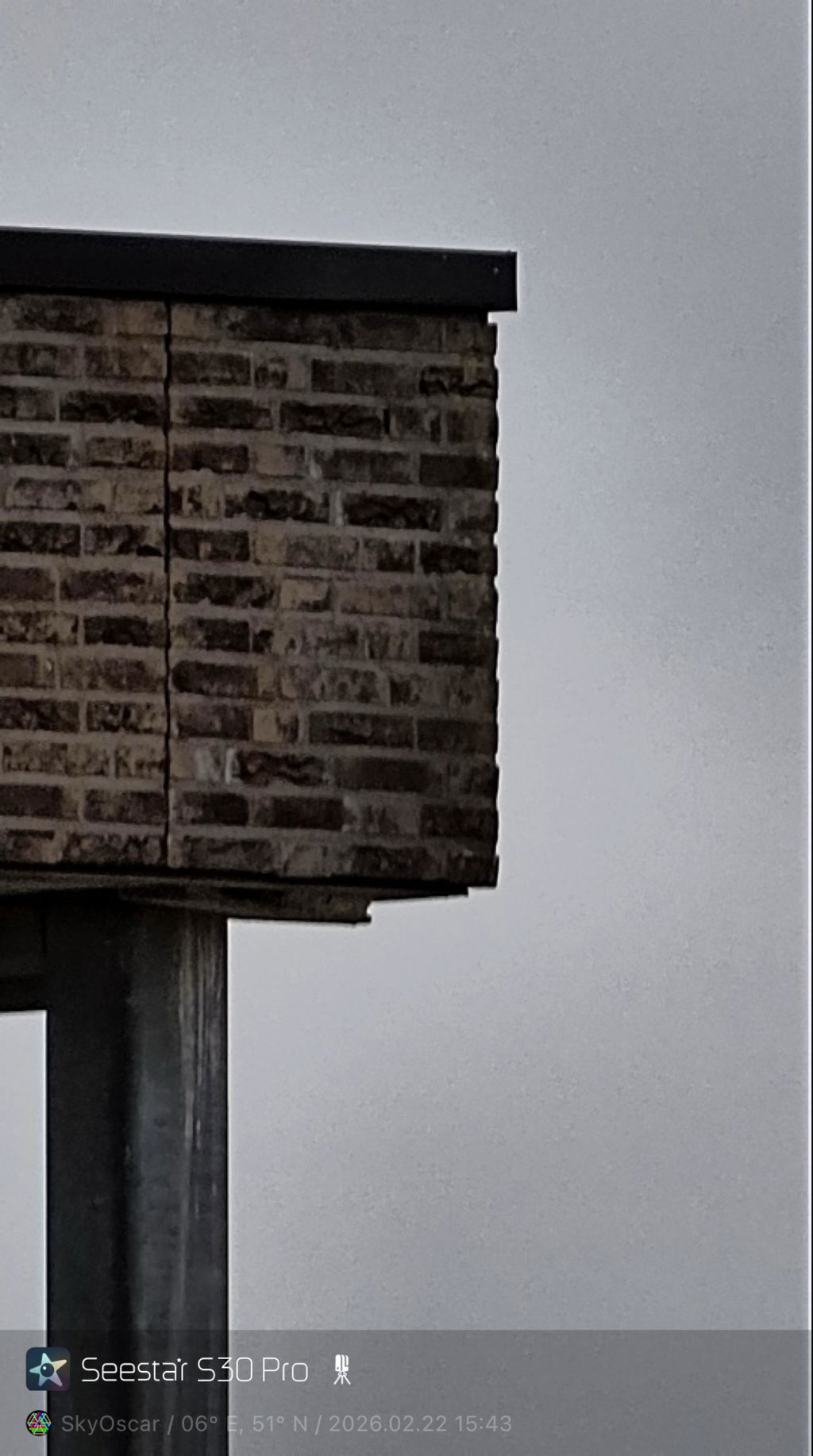

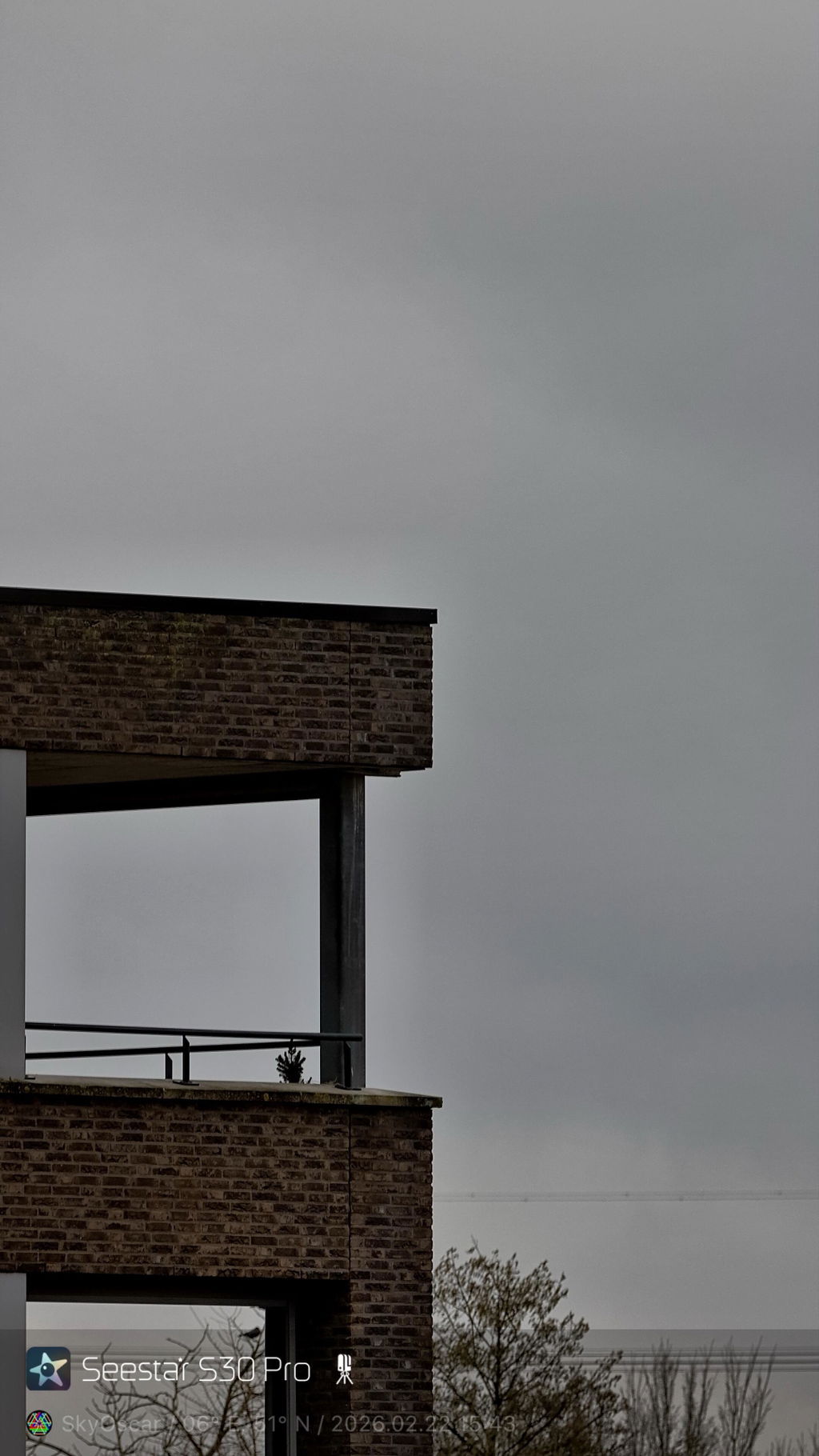
First off I do love the field of you and the detail that’s achieved using this new sensor. I am however, having a lot of drop frames which I hope will be fixed with the upcoming update.

Hi
I am still in the process of reviewing the Seestar S30 Pro, but it has given me an excellent first impression during the days I’ve used it so far. The setup is smooth, the smart features are intuitive, and the imaging performance is impressive for a compact system. It clearly reflects thoughtful engineering and user-friendly design.
One suggestion I would strongly recommend is a software improvement: it would be very helpful if the app allowed users to explore what is currently visible in the sky even when not connected to the telescope. Ideally, all app features should remain accessible in offline mode, with full sky visibility tools available regardless of connection status.
Overall, a very promising and impressive smart telescope experience.
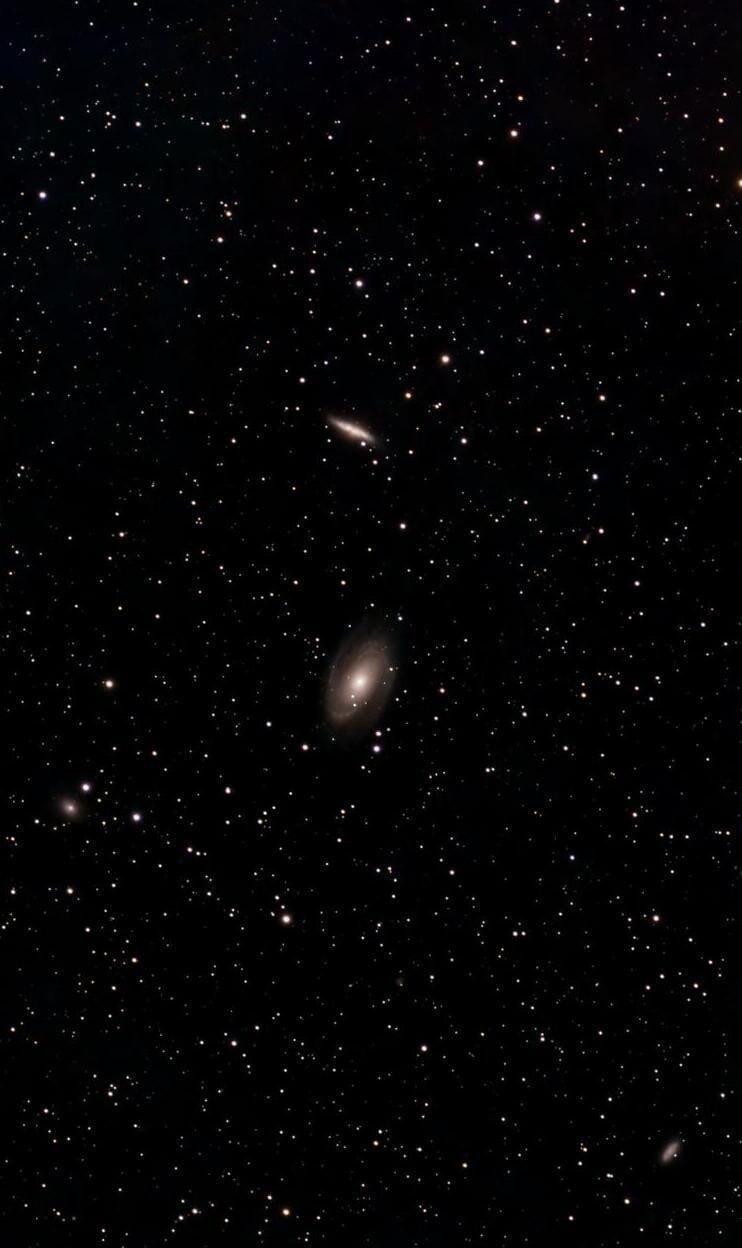
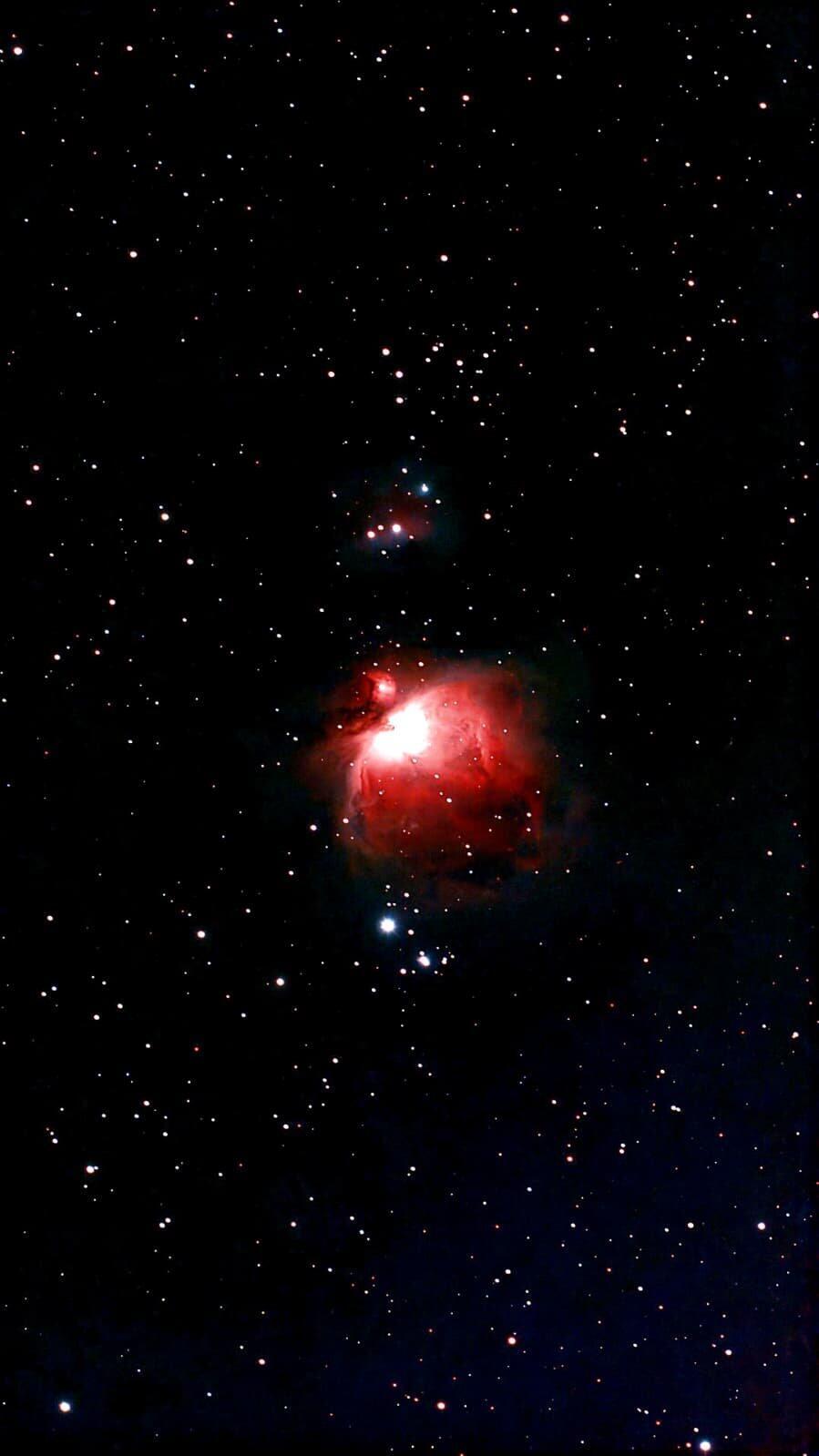
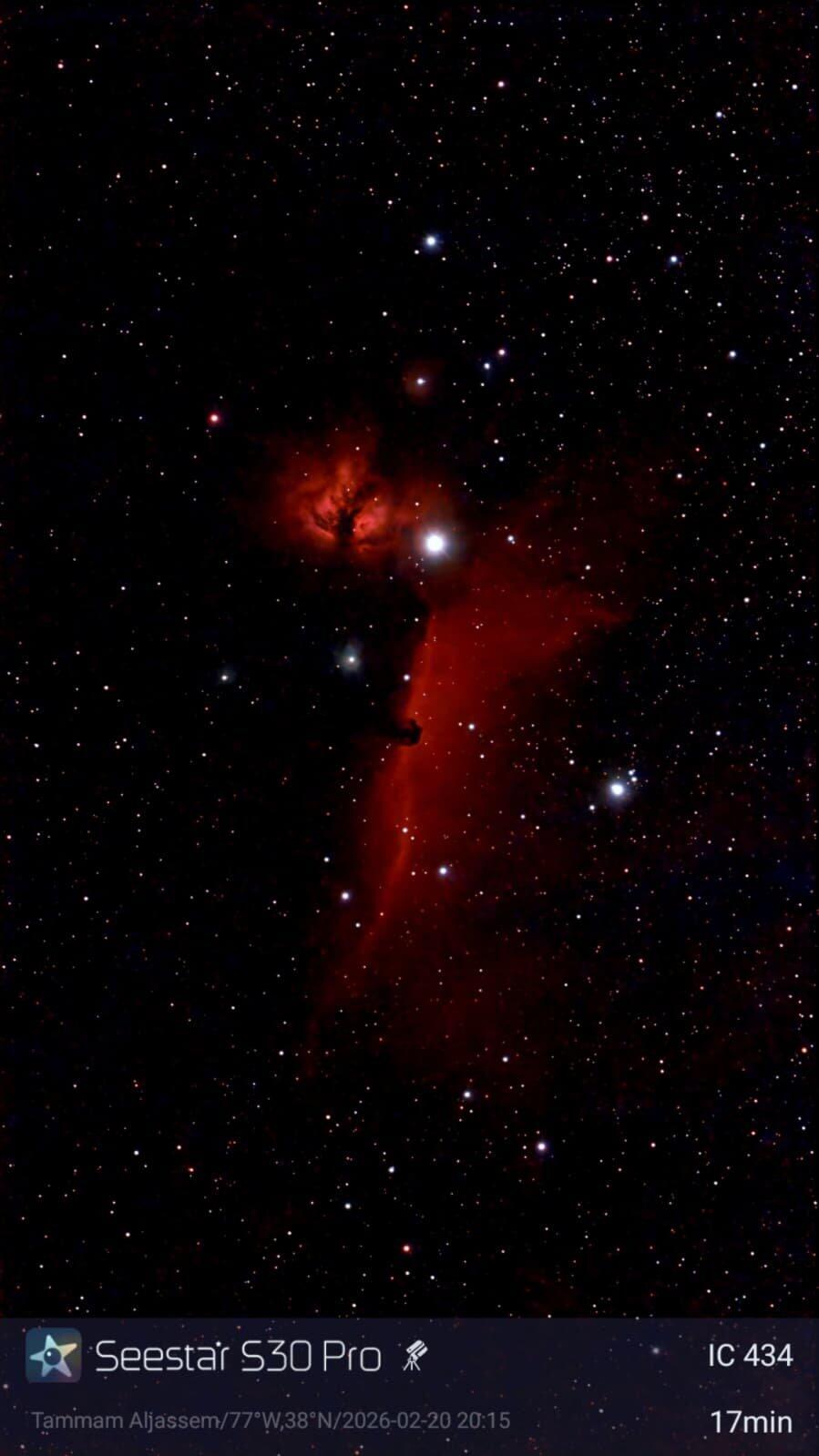
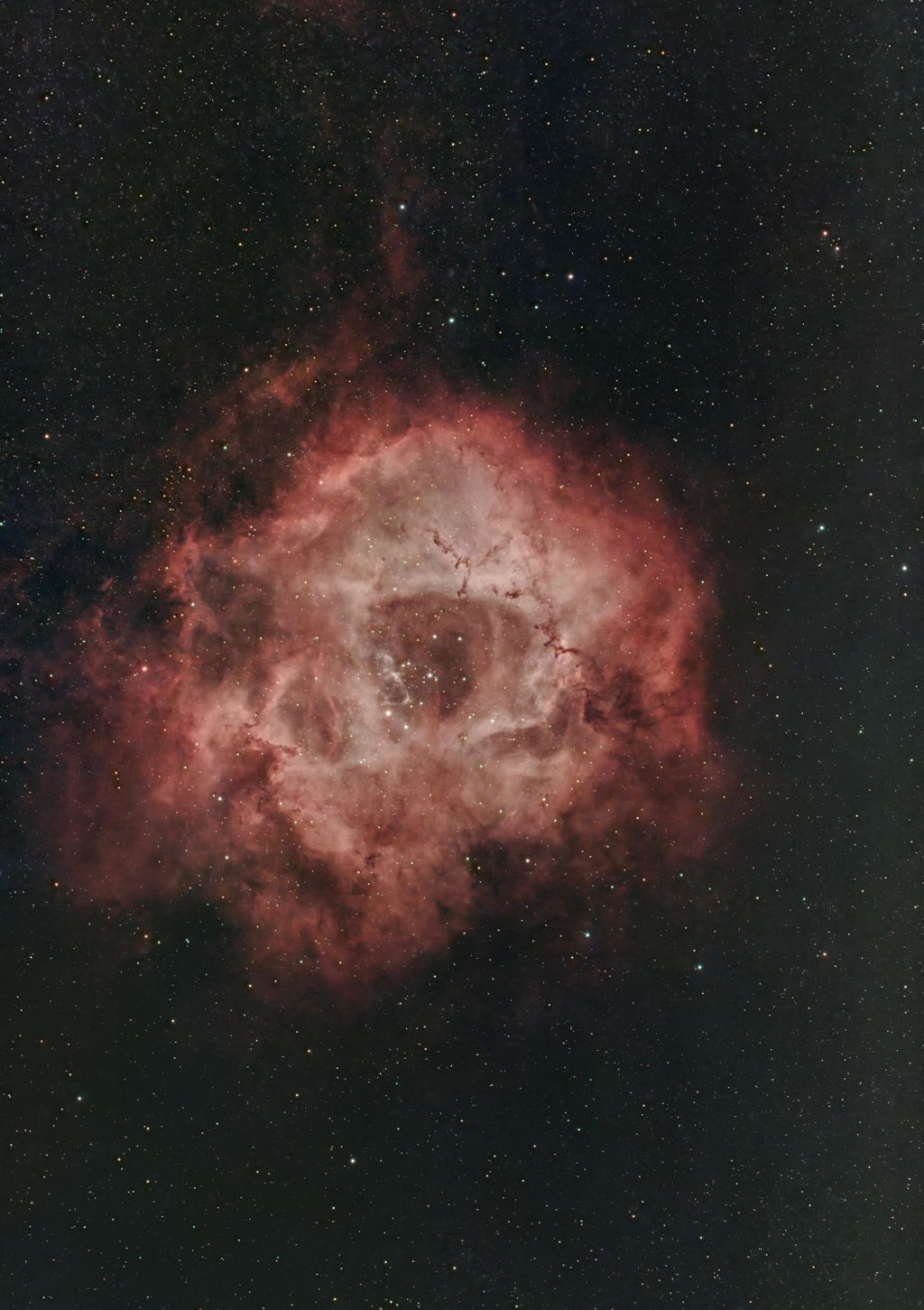
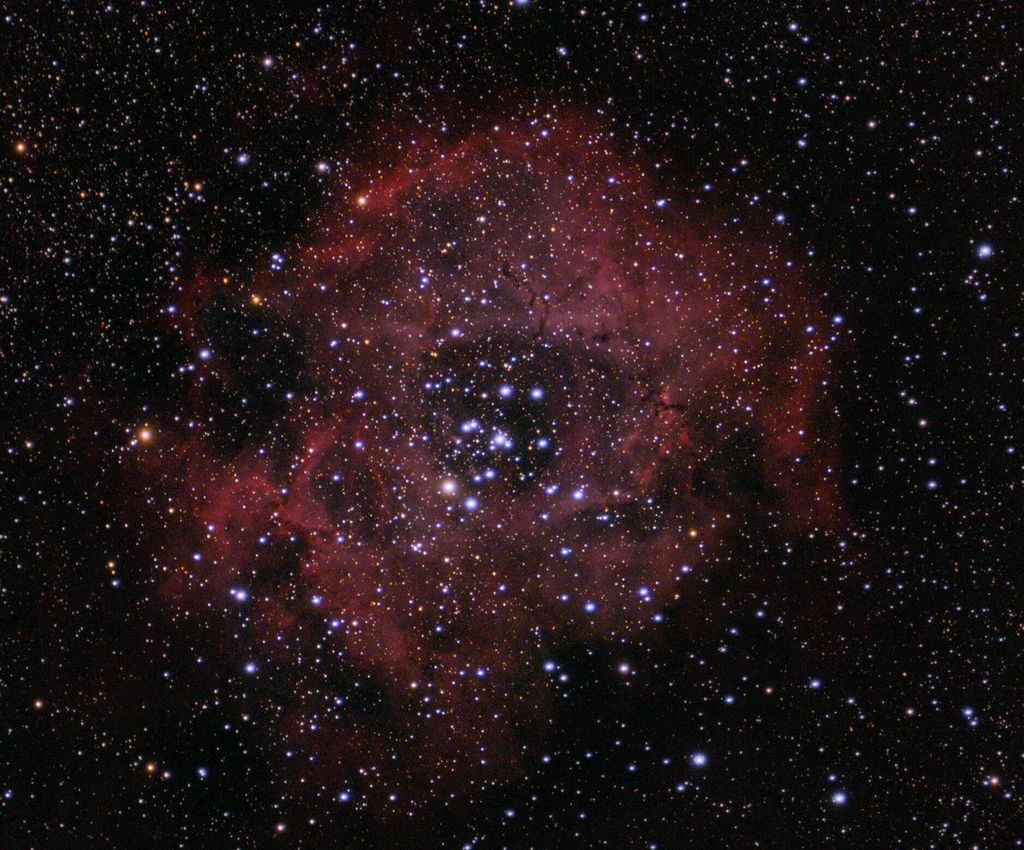
i really enjoy the new sensor, the wide FOV and the milkyway mode! its a blast to work with your products! i added my first light on IC1805 with about 60min of 30s subs. processed in Pixinsight
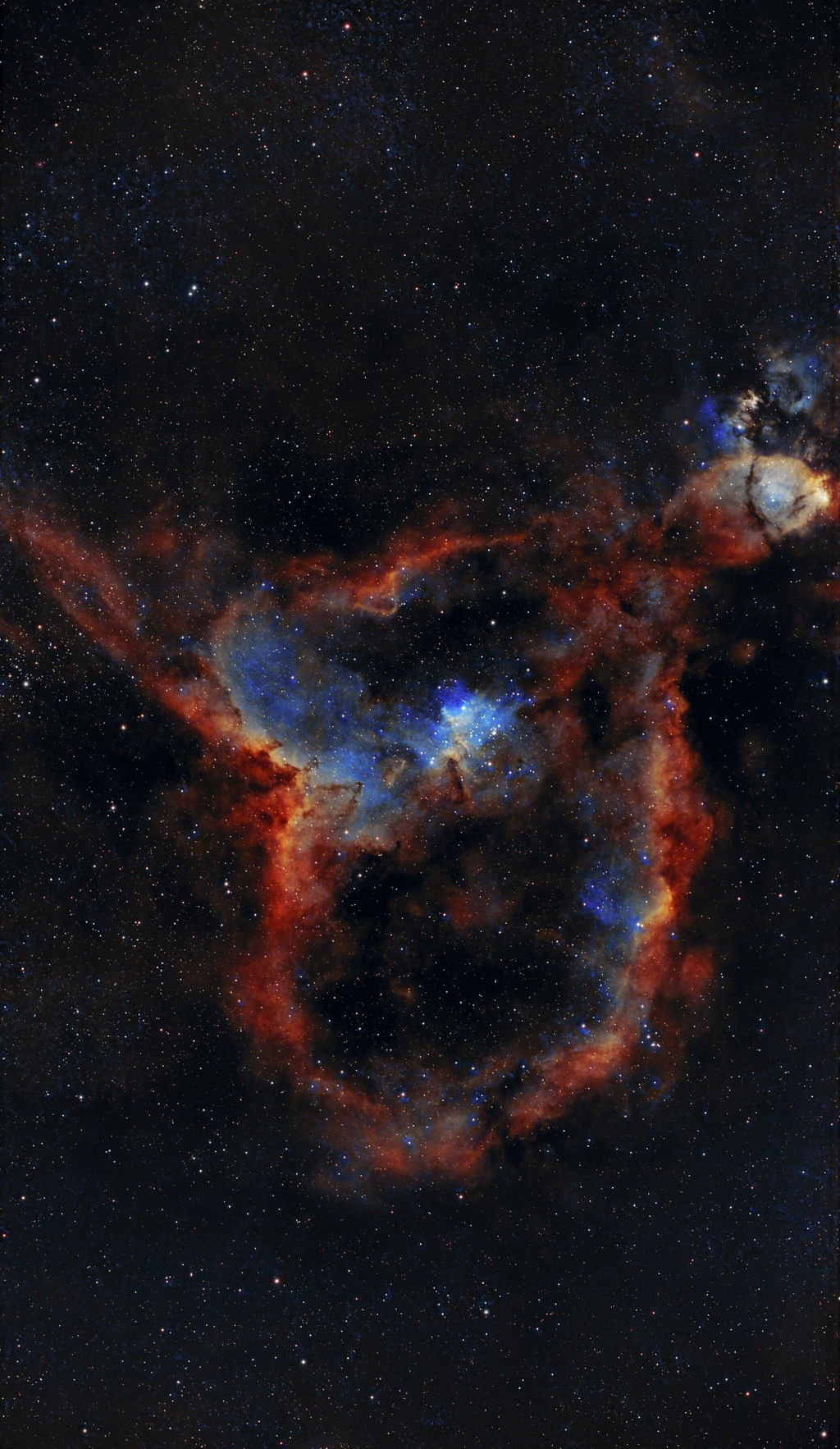
After my S30 purchased the S30 Pro which is a upgrade in more ways then only the sensor, I find that the stars are more round then with the S30 and polar alignment is a lot smoother.


A product that meets all customer levels. Enthusiasts will be overjoyed with the in-app editing software that produces totally decent and noise-free images. For those wanting to go a step beyond and stretch out the image even further, it is still very much possible through 3rd party editing software. Overall, it's a tiny powerhouse for all needs which definitely exceeded my expectations. Highly recommended
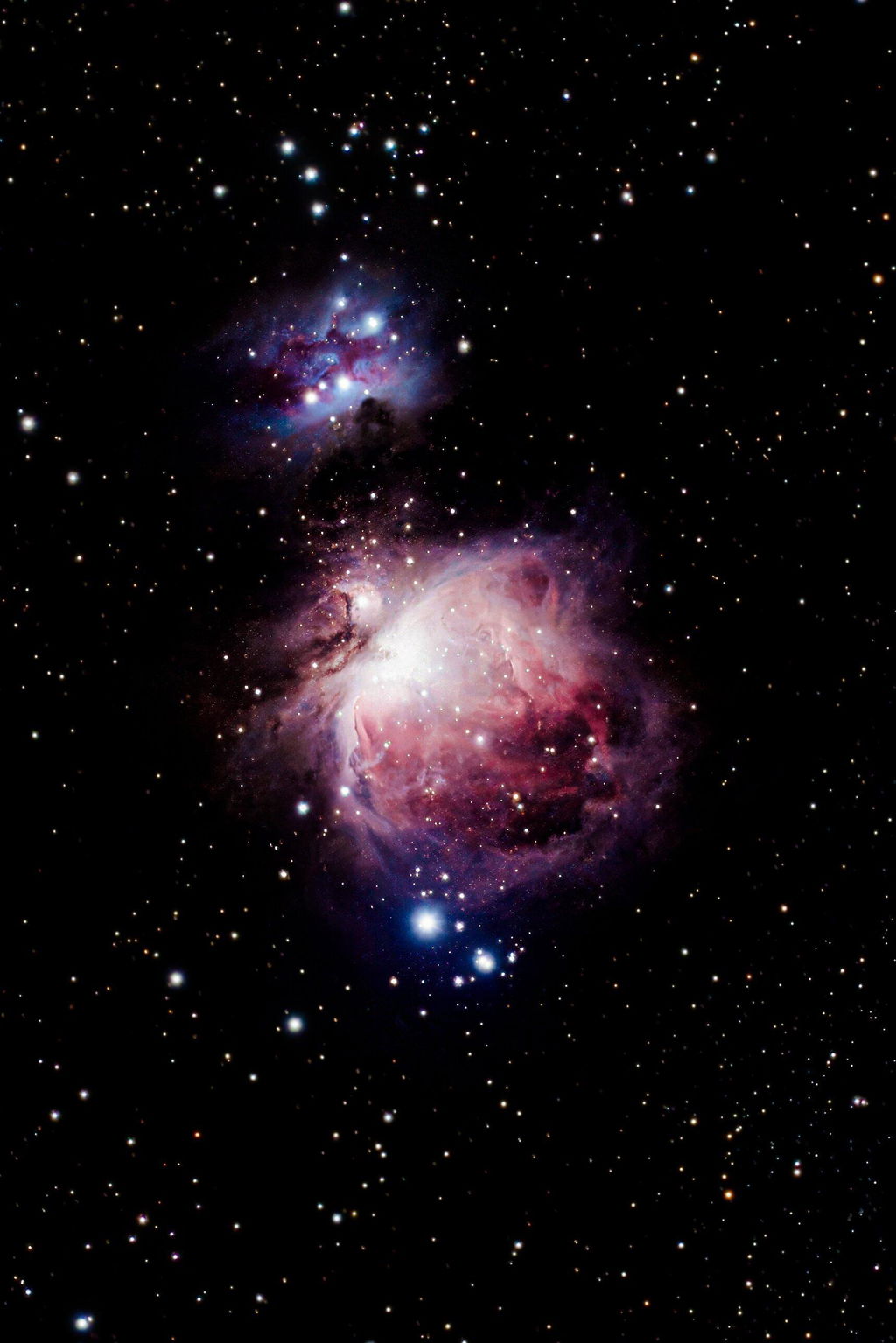
I already own the S50 but I have to admit, it’s been collecting dust ever since I received the S30 Pro. The larger sensor combined with the smaller form factor make it such a joy to use it whenever the skies clear up at night.

J’ai S30 ,S50 et en suis très contente mais la S30 pro est nettement meilleur
Les images qu’il me transmet sont magnifiques, nettes ,le champ beaucoup plus large … et encore je ne l’utilise que depuis 3 jours
Great telescope complementing my Seestar S50 Pro. Fantastic Milky way shots possible and a wider field than the S50 for deep sky photography.
Perfect product, easy to use 🙏🙏👍
Ok
The ZWO Seestar S30 Pro is simply extraordinary, especially as my first-ever smart telescope! It is brilliantly compact, weighs just 1.65 kg, and sets up in minutes. Featuring a sharp Sony IMX585 sensor, a wide-angle secondary lens for nightscapes, and built-in light-pollution filters, it transforms urban stargazing into an effortless experience. While its 30mm aperture and 160mm focal length limit planetary close-ups, its live-stacking capabilities make capturing deep-sky nebulae and galaxies remarkably easy. It is the ultimate grab-and-go observatory for beginners and travelers alike.